

Most of us spend hours each day on screens. Then the neck feels stiff, the shoulders ache, or a headache appears. It is easy to blame the device. That is where the term tech neck comes in.
But the link between screens and neck pain is not as simple as saying that looking down damages the neck. Research connects prolonged device use and long periods of sitting with neck pain, but posture is only part of the story. Time in one position, movement, workstation setup, and activity levels can all influence symptoms.
So, the better question is not simply, “Is my phone causing my neck pain?” It is whether the problem comes from the device, the position, the time spent there, or a combination of all three.
Tech neck describes a problem, but it is not one specific condition
Tech neck symptoms usually include neck pain or stiffness linked with long periods of digital-device use. Some people may also notice shoulder discomfort, reduced neck movement, or headaches.
Persistent neck and shoulder discomfort can affect everyday activities. Understanding different approaches to pain relief, treatment and patient support can help readers explore pain management strategies.
A 2025 systematic review and meta-analysis involving more than 10,000 participants found that smartphone overuse was associated with more than twice the adjusted odds of neck pain. A broader meta-analysis examining sedentary behaviour and neck pain also found an association.
That does not mean every hour on a device damages the neck. Long screen use may combine with limited movement, muscle strain and individual sensitivity to increase discomfort.
Phone neck pain is about more than looking down
Looking down at a phone can make the neck muscles work harder, but that does not mean a certain head angle automatically damages the spine.
The 2024 experimental study of smartphone use and cervical-spine stability asked young adults to keep their heads tilted forward by about 30 degrees while watching smartphone videos for 30 minutes. They developed mild-to-moderate discomfort, but measures of neck stability did not significantly worsen.
A 2026 multicentre study involving nearly 7,000 adults also linked neck pain with longer computer use, smartphone use for work and holding the phone below eye level. Because the study was cross-sectional, it shows association rather than causation.
The practical message is not “never look down.” It is to avoid holding one demanding position for too long.
Laptop neck pain can also be a workstation problem
Laptops create a simple challenge because the keyboard and screen are attached. A comfortable keyboard height can leave the screen too low, while raising the screen can make the keyboard too high.
That means laptop neck pain can partly be related to workstation setups.
The Health and Safety Executive guidance on display-screen equipment recommends placing the monitor directly in front of the user, with the top of the screen at or slightly below eye level. For longer laptop use, a separate keyboard and mouse can make it easier to raise the screen while keeping the arms comfortable.
The OSHA computer workstation ergonomics guidance also recommends supporting the back and keeping the head and neck in a comfortable position.
An ergonomic desk setup for neck pain is not about finding one perfect posture. It is about reducing repeated leaning, reaching, and long periods with the head held in the same position.
Screen time matters, but staying still for too long may matter more
Total screen time matters, but it does not tell the whole story.
A 2026 systematic review of prospective studies in computer-using workers found that more than four hours per day of computer or mouse use was associated with a higher risk of arm, neck and shoulder problems.
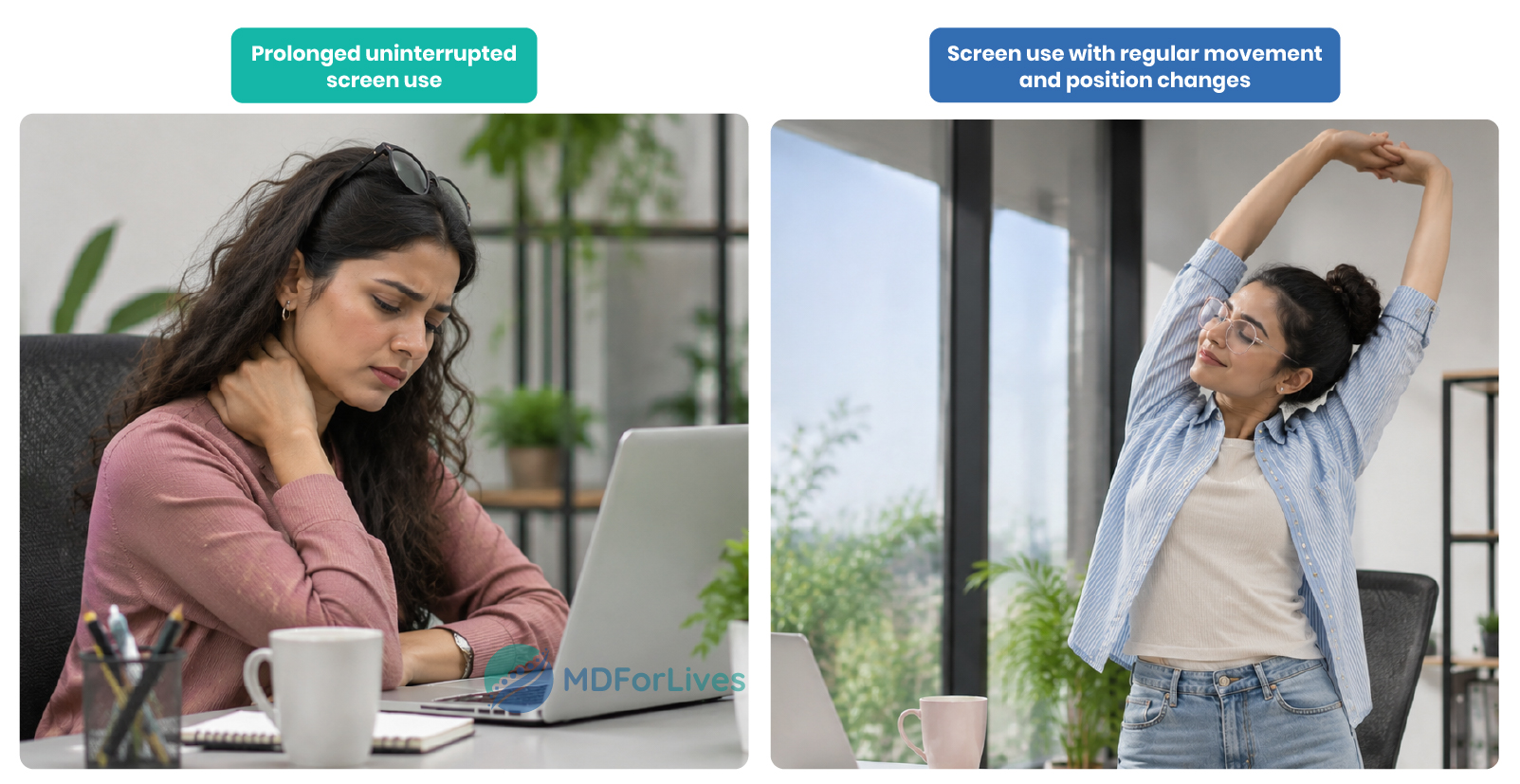
But how those hours are spent also matters. Six hours that include walking, stretching and changing positions are different from six nearly continuous hours in one position.
Earlier randomized evidence on active breaks and postural shifts found that active breaks or regular position changes reduced new neck pain in high-risk office workers over six months.
The message is simple: The opposite of prolonged sitting is not perfect sitting. It is movement.
How to sit to avoid neck pain starts with comfort, not perfection
To sit more comfortably and avoid neck pain, keep the screen in front of you, relax the shoulders, support the back and feet, and place the keyboard and mouse so the elbows stay close to the body.
Even a good posture can become uncomfortable when held too long. OSHA notes that no single workstation arrangement works for everyone.
So, the goal is not to sit perfectly still in one “correct” position all day. Find a comfortable position, then change it regularly.
Stand up, walk, move your shoulders, and change your position. Small changes throughout the day may be more useful than trying to maintain one ideal posture.
Exercises for tech neck may help because the body needs movement
People searching for exercises for tech neck may expect one movement that will “correct” their posture. Research suggests a broader approach.
A 2025 randomized trial of neck movement in high-risk office workers used a smartphone-based game that encouraged participants to move their neck twice a day. Over six months, new neck pain developed in 20% of the intervention group compared with 44% of controls.
A recent systematic review and meta-analysis of workplace micro-exercises also found that short exercises can reduce neck and shoulder pain and improve neck-related function, although the evidence varied.
Exercise may help because it encourages movement and builds physical capacity, not because every painful neck needs correcting. Useful activity may include gentle neck and shoulder movement, strengthening, walking, or simply breaking up long periods of sitting.
The aim is to give the body more chances to move.
Closing perspective: preventing tech neck is about changing habits, not avoiding screens
The evidence does not support the idea that phones or laptops automatically damage the neck. It does suggest that long periods of device use, staying in one position, limited movement, and poorly arranged workstations may increase discomfort.
Raising the screen and supporting the back may help, but taking breaks, changing position and staying active may be just as important.
Preventing tech neck is not about finding perfect posture or avoiding screens. It is about reducing long periods of strain and giving the body regular opportunities to move.
Instead of asking only: “How many hours am I spending on my phone or computer?”
A better question may be: “How long am I staying in the same position, and how often am I giving my body the chance to move?”
That changes the conversation from blaming technology to thinking about how we use it.